Cost Explorer
Breakdowns
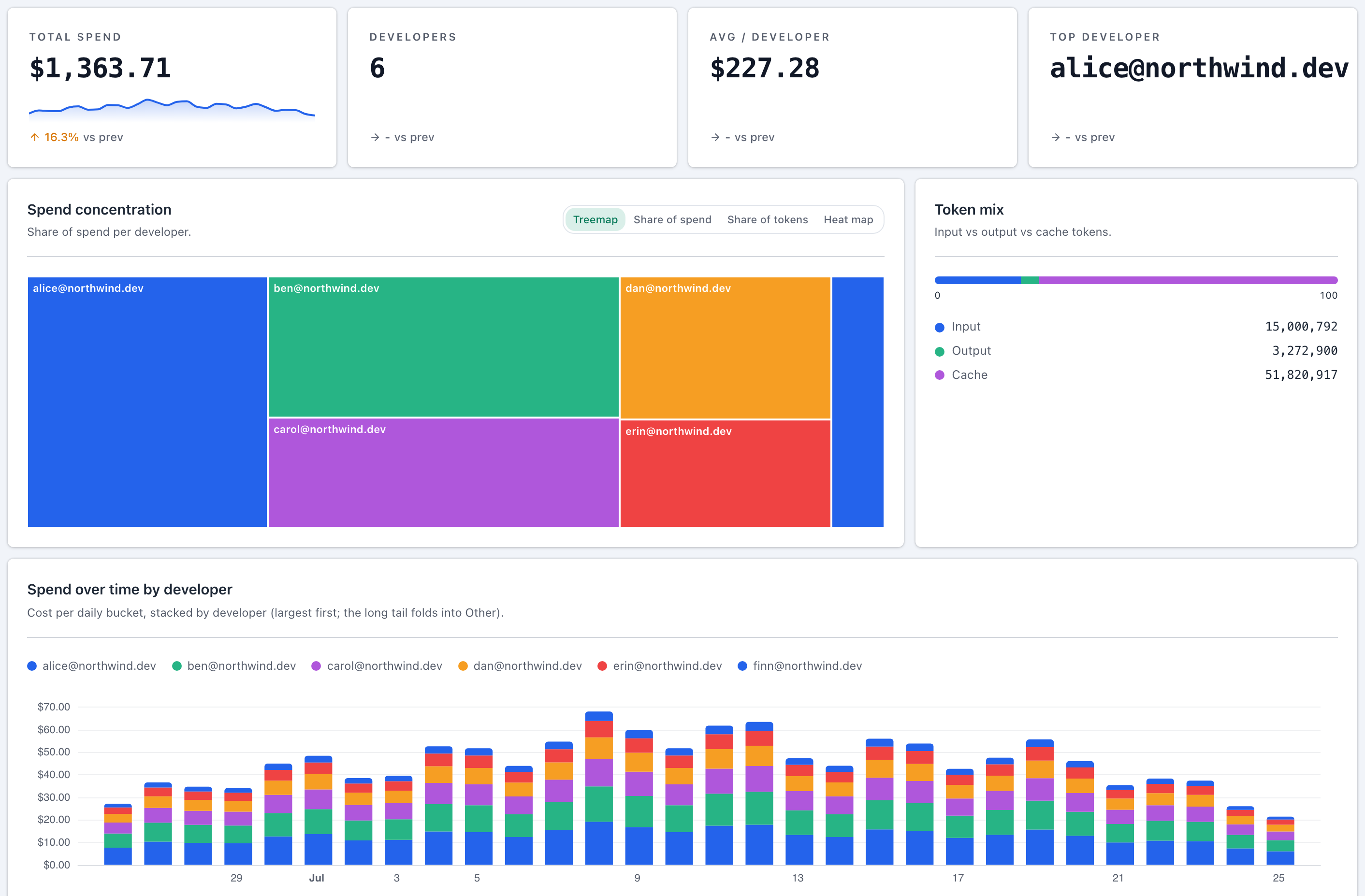
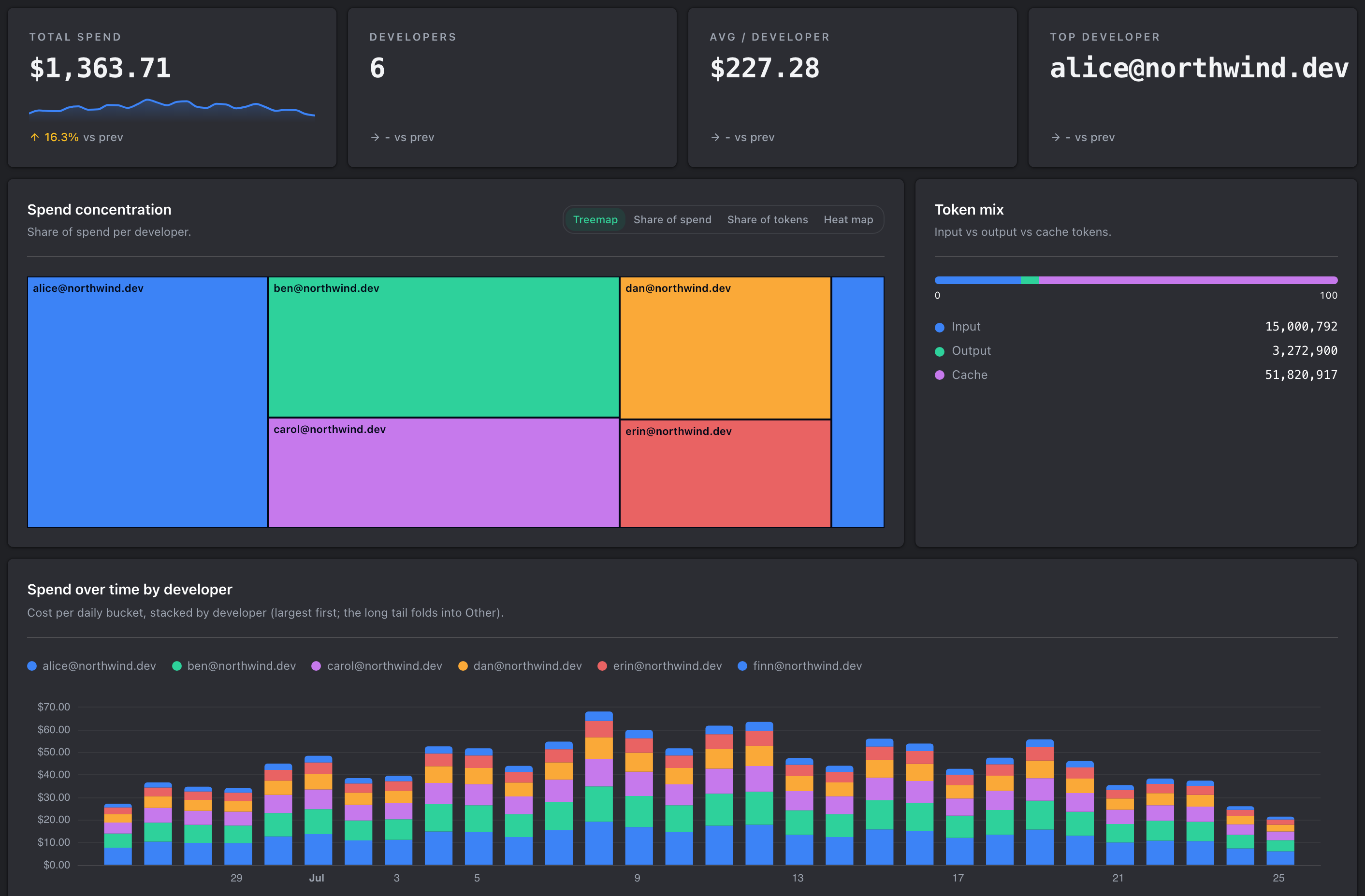
The same spend, cut six ways. Every breakdown is included on every plan, and each row drills into a detail view for that one developer, repository, branch, model, plan or ticket.
The six cuts
- Developer answers who is spending. It is the cut most teams start from.
- Repository answers which codebase costs the most to work in.
- Branch sits under Repository and is where a single runaway piece of work shows up.
- Model answers what you are paying per model, which is how you spot work running on a more expensive model than it needs.
- Plan sits under Model and separates subscription usage from metered usage.
- Ticket answers what a piece of tracked work actually cost, once a ticket integration is connected.
Drilling in
Selecting a row opens that item on its own, with the same chart, totals and ledger scoped to it. Your date range and filters come with you, so a drill-down never silently widens the question you were asking.
When a row says unknown
A cut can only group by what it was told. Spend with no repository attached shows as unattributed rather than being dropped, so the totals still add up. Connecting a source integration is what fills those rows in.
Ticket attribution needs a ticket integration connected. Without one, the Ticket cut is empty rather than wrong.