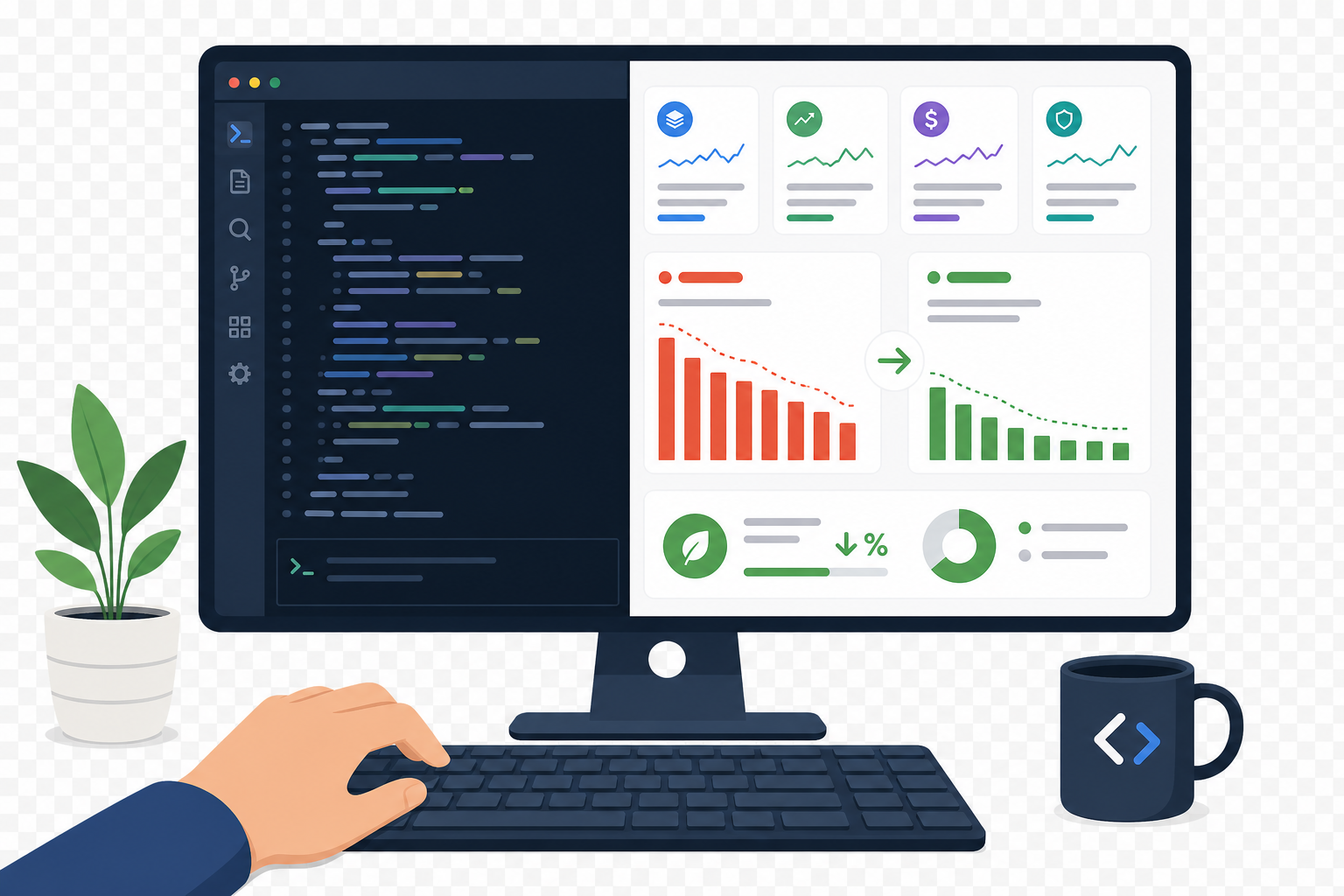
Quick Guide: How to Compare Claude Code Spend in 5 Easy Steps
- Establish your baseline token spend — Run the
/usagecommand at session start to capture your starting token count before any optimization. - Define a repeatable engineering task — Select a consistent task like a multi-file refactor or code review that you can run identically twice.
- Record your pre-compression metrics — Complete the task without log compression and document total input tokens, output tokens, and session cost.
- Enable log compression with Lineman — Install Lineman to intercept and compress tool outputs before they enter the context window.
- Run the identical task and compare results — Execute the same task with compression active and calculate your percentage reduction in token spend.
How to Measure Claude Code Token Spend Before and After Compression
1. Establish Your Baseline Token Spend
Every valid comparison starts with a clean baseline. Open a fresh Claude Code session and run /usage immediately. This command displays your current session's token consumption in three categories: input tokens, output tokens, and estimated cost.
The Session block at the top shows exactly what you need. Input tokens include your prompt, conversation history, any files Claude has read, your CLAUDE.md contents, and tool results. Output tokens cover everything Claude generates, including responses and code.
Record these numbers in a spreadsheet or text file. You need this starting point to calculate actual savings later. Without a documented baseline, any claimed reduction is guesswork.
2. Define a Repeatable Engineering Task
Your comparison is only valid if you run the same task twice under different conditions. Choose a task that involves substantial tool output, which is where compression delivers measurable impact.
Good candidates include multi-file refactoring across 5-15 files, running a test suite and analyzing failures, reviewing a pull request with 10+ changed files, or debugging a build that produces verbose logs. Each of these generates the kind of bulky tool output that drives context compounding.
Write down the exact prompt you will use. A vague prompt like "review this code" produces inconsistent results. A specific prompt like "Read the files in src/auth/ and propose 3 improvements to error handling with code sketches" gives you a reproducible measurement.
3. Record Your Pre-Compression Metrics
Run your defined task in a fresh session without any compression tools active. Let Claude work through the entire task, reading files, executing commands, and generating its response.
When Claude finishes, run /usage again. Subtract your starting values from the ending values to get the task-specific token consumption. Document four numbers: total input tokens, total output tokens, estimated cost, and number of turns.
A typical multi-file refactoring task consumes 50,000 to 100,000 input tokens and 10,000 to 20,000 output tokens, according to data from systemprompt.io's cost optimization research. Your numbers give you a personal baseline that reflects your actual codebase and workflow.
4. Enable Log Compression with Lineman
Lineman intercepts the data-heavy tool calls that drive most of your token spend. When Claude reads a file or runs a command, Lineman compresses the output before it enters the context window. You get a distilled version with the signal preserved and the noise removed.
Installation takes minutes inside Claude Code with no workflow changes required. Once active, Lineman achieves average 53% token reduction with 98.3% baseline output quality retention on Lineman's benchmarks. The compression is language-agnostic, so it works on build logs, test output, search results, and file reads regardless of your stack.
The mechanics matter for understanding why this works. Context compounding means every token in the window is re-billed as input on each turn. A file read that adds 10,000 tokens to context gets charged again on turn two, turn three, and every subsequent turn. Lineman cuts that initial size, which compounds into larger savings as the session continues.
5. Run the Identical Task and Compare Results
Start a fresh session with Lineman active. Run /usage to confirm your starting point. Execute the exact same prompt you documented in step two. When Claude finishes, run /usage again and calculate your task-specific metrics.
Calculate the percentage reduction for each metric using this formula: ((baseline - compressed) / baseline) × 100. Focus on total input tokens first, since that is where compression delivers the largest impact. Tool output typically accounts for 30-45% of token consumption in agentic workflows.
Your results provide a credible, repeatable benchmark specific to your engineering tasks. You can share these numbers with your team, justify tooling decisions to leadership, and track whether savings persist over time.
What Causes High Token Spend in Claude Code?
Two mechanics drive Claude Code costs: context compounding and verbose tool output. Understanding both explains why compression works and where to look when your bill surprises you.
Context compounding happens because models are stateless. Every turn re-sends the whole conversation as input. A session that starts at 5,000 tokens grows to 50,000 tokens after several exchanges, and keeps growing. Every file read, every command result, every previous response rides along with your next prompt.
Verbose tool output is the second driver. File reads, build logs, test results, and search results often contain thousands of tokens of content that Claude needs to parse. On Lineman's data, tool output accounts for over half a typical bill. This is why generic "write shorter prompts" advice misses the point. Your prompts might be ten tokens. The tool results Claude pulls in might be ten thousand.
Why Does Task-Level Measurement Matter for Cost Validation?
General usage tracking tells you how many tokens you consumed last month. Task-level measurement tells you whether a specific optimization actually works for your workflow. The difference matters when you need to justify tooling decisions or compare solutions.
A tool that claims 40% savings might achieve that on synthetic benchmarks while delivering 10% on your actual tasks. Or it might deliver 60% on the tasks that dominate your workflow. Without running the measurement yourself on real engineering work, you are trusting marketing numbers instead of production data.
Task-level benchmarks also let you identify which types of work benefit most from compression. A quick debugging question might show minimal savings because the tool output is already small. A full codebase review might show dramatic savings because Claude reads dozens of files. Knowing this lets you apply compression where it delivers the most value.
How Lineman Helps You Validate Token Savings
Lineman addresses the largest cost driver directly: tool output compression. Instead of Claude receiving the full contents of a file read or command result, Lineman intercepts the call and returns a distilled version. The model gets the information it needs for reasoning without the noise that inflates your bill.
The compression achieves 27-58% token cost reduction on large files with no measurable quality degradation. Because the bulk never enters context, it is never billed—not once and not on any later turn. This directly counters context compounding, which is why the savings compound as sessions get longer.
Lineman installs in minutes inside Claude Code and provides real-time token savings statistics so you can track impact as you work. The 14-day free trial with no card required lets you run your own benchmarks before committing. You can see projected token and cost savings on your actual engineering tasks, not just on synthetic tests.
For engineering teams already using Claude Code, Lineman offers a way to extend session length without data bloat and handle large files and noisy test runs efficiently. The sub-2-second latency per delegated task means compression happens fast enough to be unnoticed in your workflow.
Try Lineman free for 14 days and run the five-step comparison on your own codebase.
FAQs About How to Compare Claude Code Spend Before Log Compression
How much does Claude Code typically cost per developer per month?
Across enterprise deployments, the average cost runs around $13 per developer per active day and $150-250 per developer per month, according to Anthropic's Claude Code cost documentation. Your actual spend depends on model selection, codebase size, and usage patterns. Lineman helps reduce these costs by compressing tool output before it enters your context window.
What is context compounding and why does it increase costs?
Context compounding occurs because Claude models are stateless. Every turn re-sends the entire conversation as input tokens. A session that starts at 5,000 tokens grows with each exchange as file reads, command outputs, and responses accumulate. This is why a long session costs more per message than a fresh one.
How do I track token usage in Claude Code?
Run the /usage command to see your current session's token consumption. The Session block shows input tokens, output tokens, and estimated cost. For precise measurement, record your /usage output at the start and end of a specific task to calculate task-level consumption.
What types of tasks benefit most from log compression?
Tasks with heavy tool output show the largest savings. Multi-file refactoring, test suite analysis, build log debugging, and codebase reviews all generate substantial tool output that Lineman can compress. Quick single-file edits or short Q&A sessions show smaller absolute savings because the tool output volume is already low.
Can I measure compression savings without changing my workflow?
Yes. Lineman installs in minutes and works transparently with your existing Claude Code workflow. You prompt exactly as you do now while compression happens automatically on tool outputs. Run your normal tasks, check /usage, and compare to your documented baseline to see actual savings.
How accurate are the token cost estimates in Claude Code?
The dollar figure in /usage is an estimate computed locally from token counts and may differ from your actual bill. For authoritative billing numbers, check the Usage page in your Claude Console. The token counts themselves are accurate for comparison purposes.